Body & face editor for iPhone
Reshape it. Refine it. Make it yours.
Reshape your body, refine your face and try new looks — all on your iPhone. Natural-looking sliders, one-tap looks, and every edit stays on your device.
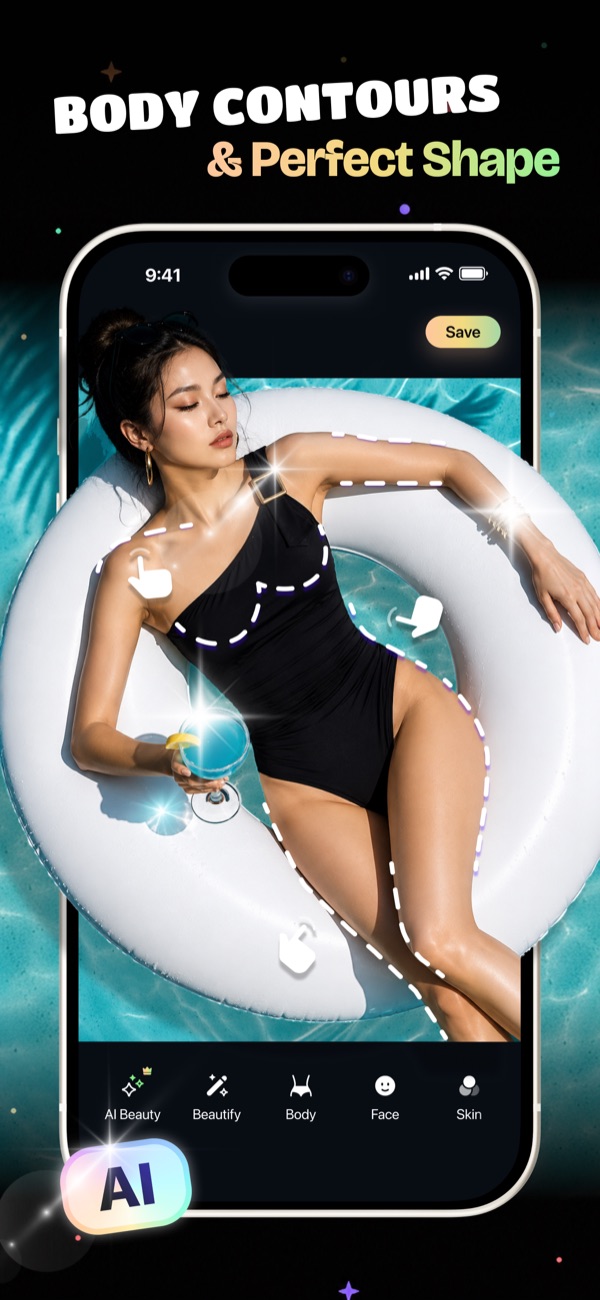
01Body
Slim, lengthen, reshape. It still looks like you.
Drag a slider to slim your waist, lengthen your legs or reshape your arms, with natural-looking results.
- 11 areas: waist, belly, chest, shoulders, arms, hips, legs and more
- One Slim slider for the whole body
- Fine control with a slider per area
02Face & AI Beauty
One tap for a whole look. Thirty sliders for the details.
Start with a complete AI Beauty look, then fine-tune face shape, nose, lips, eyes, eyebrows, jawline and smile.
- Looks like Glossy, Nude, Glam, Natural and Vintage
- 30+ face adjustments
- Skin: smooth, reduce redness and pores, remove under-eye bags
03Makeup & Hair
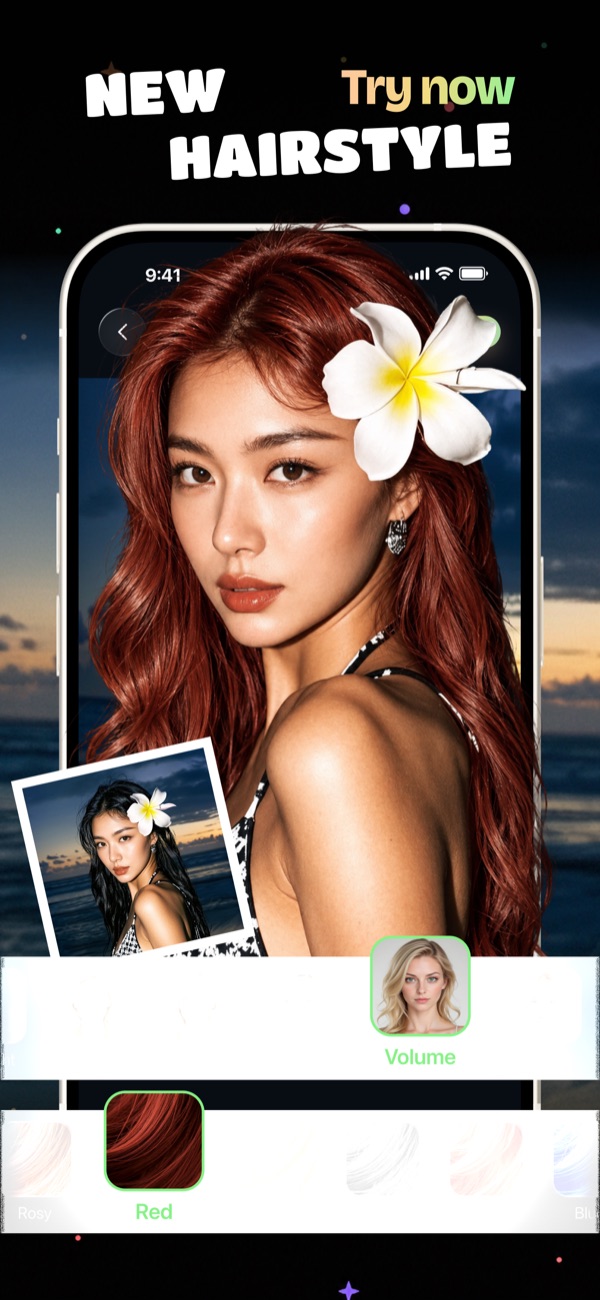
Try a new style before the salon does.
Preview makeup and hair colors on your own photo, from soft natural tones to icy and galaxy shades.
- 120+ makeup styles
- 13 hair colors
- Whiten teeth for a brighter smile
04And more
The rest of the studio, whenever you need it.
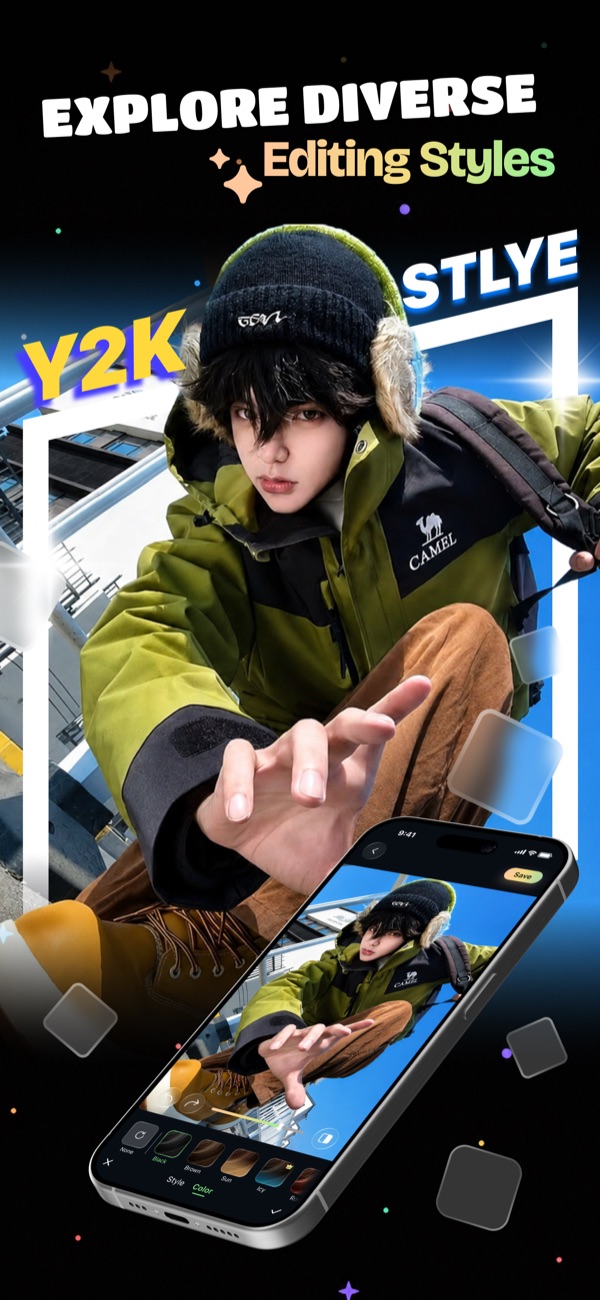
Artistic styles
Y2K, film and creative edits that turn a selfie into a poster.
Adjust & crop
25+ tools: exposure, brightness, contrast, highlights, and crop in one tap.
Private by design
All editing happens on your iPhone. Your photos are never uploaded.
No watermark
Body Editor Pro exports clean, full-quality photos.
No account needed
Buy here, tap the unlock link on your iPhone, and Pro is on. No sign-up, no password.
Cancel anytime
Manage or cancel any time with the link in your Paddle receipt email.
05How it works
Buy here. Unlock on your iPhone.
- 1
Subscribe on the web
Choose weekly or yearly Body Editor Pro. Secure checkout by Paddle.
- 2
Install the app
Download Body Editor from the App Store on your iPhone.
- 3
Tap the unlock link
Open the link we show after payment on that iPhone, or scan its QR code. Pro unlocks. No account needed.
Body Editor Pro
Unlock everything.
Buy here, then tap one link on your iPhone to unlock Pro. No account needed.
- Export without watermark
- Save photos edited with AI Beauty, Face, Makeup and Hair
- Unlocks Pro in the Body Editor iPhone app (iOS 17+)
Checkout
Secure checkout by Paddle.
No account needed. After paying you get a one-tap link that unlocks Pro in the iPhone app.
Renews automatically at the price shown until you cancel. Prices in USD; local currency and taxes are calculated at checkout. Orders are processed by Paddle.com, our Merchant of Record. See our Refund Policy and Terms.
Questions
How do I get Pro in the app after paying here?
Right after payment you get an unlock link: tap it on the iPhone where Body Editor is installed, or scan its QR code from your computer. The app opens and Pro unlocks. No account or sign-in needed. The link works once, for 60 minutes.
How do I cancel?
Bought on this website: use the link in your Paddle receipt email. Bought in the app: iPhone Settings > [your name] > Subscriptions. You keep Pro until the end of the paid period.
Can I use Pro on a new iPhone?
Yes. Write to combsmurillo181472@gmail.com with the email on your Paddle receipt and we'll send you a new unlock link.
I already subscribe in the app. Do I need to pay again?
No. In-app subscriptions are restored in the app with Restore Purchases.
Can I get a refund?
Yes — web purchases can be refunded within 14 days. See our Refund Policy.
Are my photos uploaded?
No. All editing happens on your device. We only keep an anonymous purchase ID and the purchase records Paddle sends us.